
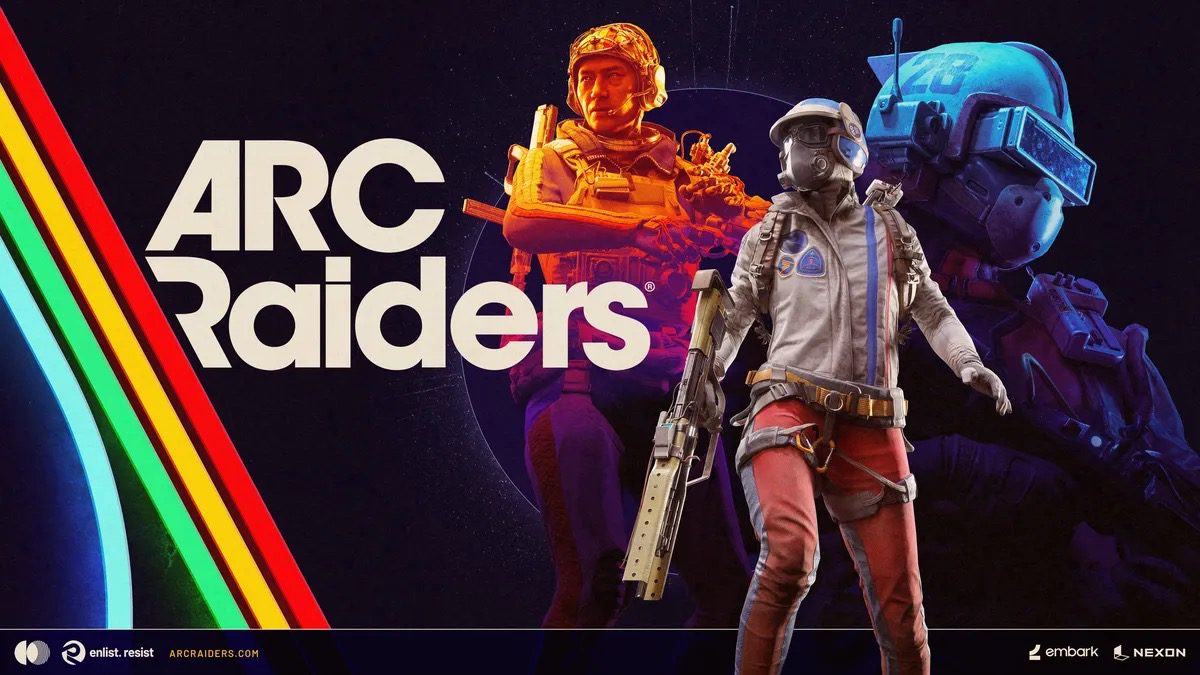
ARC Raiders is one of the biggest live-service launches of the year, and the first few updates have already fixed several issues while new edge-case bugs continue to appear.
This tracker covers the most important ARC Raiders known issues right now, including what has been officially acknowledged, what appears to be fixed, and which community workarounds are helping players in the meantime.
All ARC Raiders Known Issues and Bugs
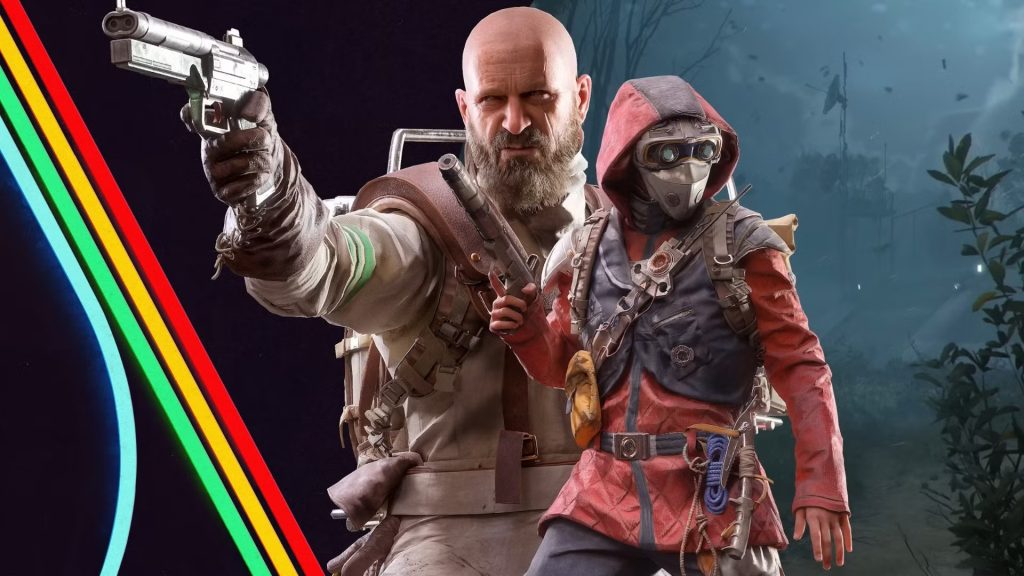
The current list we’ve concocted so far is a culmination of user reports alongside an official list as well. This list has been reviewed and updated as of March 2, 2026. If you are going through an issue other than these, please let us know in the comment and we’ll surely add them!
Here’s a list of all the current bugs and issues currently present in ARC Raiders:
Inventory/Loot Loss Reports After Extraction
A large wave of players reported losing extracted loot or seeing inventory state roll back after a hotfix cycle. Reports were widely shared by community channels and picked up by major outlets, but official resolution details were limited at the time of reporting.
Platforms: PC, PS5, Xbox Series X|S (community-reported)
Status: Unconfirmed (high-volume community reports)
What to do now:
- Avoid stacking all high-value gear in a single run while instability continues.
- Restart the client after failed extraction or post-match sync errors.
- Capture clips/screenshots and submit a timestamped report via official channels.
Reconnect Failures After Disconnect
Embark listed reconnect stability as an area of improvement in patch notes, which indicates this has been a recurring pain point during live matches.
Platforms: PC, PS5, Xbox Series X|S
Status: Acknowledged (partially improved)
Workarounds to try:
- Reconnect immediately after disconnect instead of waiting through multiple retries.
- If reconnect fails repeatedly, restart the client before queueing again.
- Prefer wired connection when possible during peak hours.
Crafting Sometimes Cancels Unexpectedly
The official patch notes mention a case where crafting can cancel on its own.
Platforms: PC, PS5, Xbox Series X|S
Status: Acknowledged (official known issue)
Workaround to try:
- Reboot the game client or complete another round, then retry crafting.
Skill Point Not Granted Despite Result Screen Indicator
Some players may occasionally not receive a skill point even though the result screen shows progress.
Platforms: PC, PS5, Xbox Series X|S
Status: Acknowledged (official known issue)
Workaround to try:
- Reboot the game or play another round and re-check progression.
Certain Containers Cannot Be Interacted With
Embark’s known-issues list also notes occasional interaction failures on specific containers.
Platforms: PC, PS5, Xbox Series X|S
Status: Acknowledged (official known issue)
What to do now:
- Move on and re-route your loot path instead of spending too much time forcing interaction.
- Re-check the container later in the same round only if it is mission-critical.
Zipline Visual/Placement Issues on Destroyed ARC Parts
A visual/state issue can occur when ziplines are placed on destroyed ARC parts, leading to incorrect or misleading zipline presentation.
Platforms: PC, PS5, Xbox Series X|S
Status: Acknowledged (official known issue)
What to do now:
- Treat those zipline points as unreliable and place alternatives on stable geometry.
- Reposition before committing to risky traversals.
Crash/Freeze Reports on PC (Including Hard Reboots)
Community threads continue to report freezing, crashes, and in some cases full system restarts while loading or during matches.
Platforms: PC (community-reported)
Status: Workaround Available (community)
Workarounds to try:
- Update or clean-install GPU drivers.
- Remove overclock/undervolt profiles temporarily and test at stock settings.
- Verify game files and close overlays/capture tools before launch.
- Limit frame rate and reduce heavy settings until stability improves.
Server Instability and Network Timeout Spikes During High Load
Across launch windows and major updates, players have reported server-side instability, including matchmaking/login failures and timeout-style errors.
Platforms: PC, PS5, Xbox Series X|S
Status: Acknowledged (live-service stability incidents)
What to do now:
- Check official ARC Raiders channels for live outage updates before troubleshooting locally.
- Avoid high-risk gear runs during active incident windows.
- Retry later if repeated timeout errors persist.
How to Report Bugs for ARC Raiders
If your issue is not listed here, report it with full detail so the team can reproduce it faster.
- Report through the official ARC Raiders Discord support/report flow.
- Include platform, region, exact error text/code, and the time it happened.
- Add clear reproduction steps and whether the issue happened once or repeatedly.
- If the problem affects inventory/progression, attach before/after screenshots where possible.
We’ll keep this ARC Raiders tracker updated as fixes roll out and new issues are confirmed.